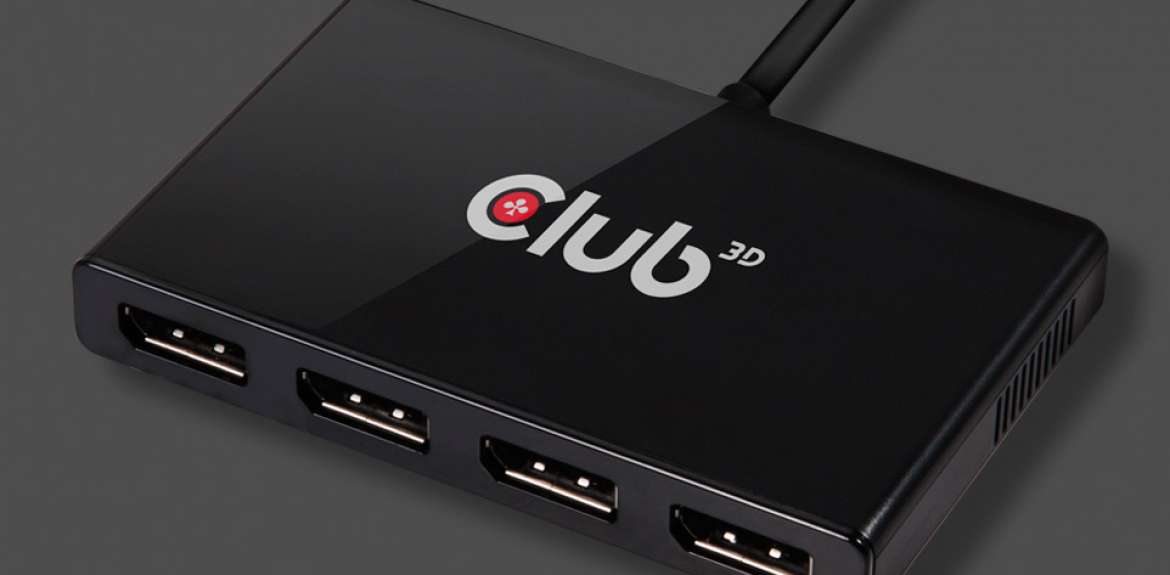
USB2.0 to DVI-I graphics devices let you easily add an additional monitor to your notebook PC, desktop and MacBook®. The Club 3D SenseVision USB2.0 to DVI-I Graphics allows you to extend your desktop display beyond 1080p HD resolution displays.
Awards

How it works
Grab any TV, CRT or LCD monitor, connect it to your SenseVision USB2.0 Graphics and plug the adapter into any standard USB 2.0 port. There's no easier way to add an additional monitor to your PC or Mac®.
Introduction Video
Up to 6 monitors on a desktop or notebook PC
You can add up to six additional monitors to your PC, all you have to do is plug in up to 6 SenseVision CSV-2000D or CSV-2000H in your system for a massive desktop workspace and ultra-immersive visual environments for the ultimate panoramic computing experience.

Up to 4 monitors on OSX Macintosh®
Traditional desktop and notebook systems from Apple Inc. only allows you to connect up to one more display. With SenseVision USB2.0 graphics now you can connect up to 4 display monitors for a massive desktop workspace for OSX. Have you thought of the Spaces feature in OSX with real estate desktop screens ?

Why do you need another monitor ?
There are literally countless reasons why increasing your desktop real estate can improve efficiency, enjoyment, and the usability of your computer. With another monitor you can look at more programs at the same time and do real multi-tasking. Imagine surfing the Internet, reading a spreadsheet and being able to read your e-mail, while being involved in an instant messaging conversation at the same time. You can even watch a movie on one screen, without the need to minimize and maximize every window on the other screen. Whether you're a video editor who needs more monitors, a business that wishes to improve efficiency and take control or a home user that wishes to expand the multimedia entertainment value of your computer, Club 3D SenseVision USB2.0 Graphics is the easiest and quickest way to fulfill your multi-tasking needs.

Plug & Play
Installing a new graphics card can sometimes be time consuming, with SenseVision USB2.0 to DVI-I Graphics, there is no need to open up your computer to install a new graphics card.
Simply connect the SenseVision USB2.0 to DVI-I Graphics to your USB2.0 port and let your Operating System detect the drivers and installation is complete. Installation takes only a minute, it's that easy and fast.*
*Install the software utility for enhanced switching between desktops.
Dual Core Decode Engines
Based upon the award winning DL-195 chipset, bringing high resolutions and industry leading performance for video and 3D graphics, thanks to a dual core decode engine and compression techniques.
Low Power
An energy efficient design provides a very low power graphics solution, with only up to 2.5 Watt at maximum load. Good for the environment, good for your electricity bill.
Ultra-Silent
Completely silent operation thanks to passive cooling solution.
Ultra-Portable
Pocket size 7:6:2 cm, making it convenient for travel.
Compatibility
The driver software and SenseVision USB2.0 Graphics can be run on PCs ranging from Netbooks (e.g. Asus EeePC), Notebooks/Laptops, and Desktops - on processors ranging from Atom N270 based PCs, basic single Core CPUs, and of course the latest Dual, Quad and Hexacore CPUs, including Intel-based Mac's.
Supports Clone or Extended display modes
Can easily clone the main display, or extend left, right, above, or below. Can be rotated left, right, or upside-down.
Windows® Aero Support
Featuring support for Windows® Aero. Enhance your Windows® experience by enabling Windows® Aero, mixing cool graphics with useful new ways to manage your desktop.
OSX Spaces Support
Spaces enhances your desktop real estate by grouping application windows together and let's you easiliy switch between them. Organize each space just the way you want it.
Virtual driver
The SenseVision USB2.0 to DVI-I graphics uses a virtual driver - works with your existing graphics card.
The virtual driver works together with the driver of the existing graphics card in the computer, less USB bandwidth is used, ensuring steady and smooth performance.